- What Happens When a Phone Gets Water Damaged?
- First Things to Do After Water Damage (Emergency Steps)
- Step 1: Turn Off the Phone Immediately
- Step 2: Remove Accessories
- Step 3: Dry the Exterior
- Best Ways to Dry a Water Damaged Phone
- Method 1: Air Drying (Recommended)
- Method 2: Silica Gel Drying
- Method 3: Professional Cleaning
- What NOT to Do After Water Damage
- Signs Your Phone Has Water Damage
- Can a Water Damaged Phone Be Fully Fixed?
- How to Prevent Water Damage in Future
- When to Visit a Repair Center
- Frequently Asked Questions (FAQs)
- Can a wet phone work again?
- Is rice good for drying phones?
- How long should I dry my phone?
- Will water damage void warranty?
- Final Words
- Meta Description
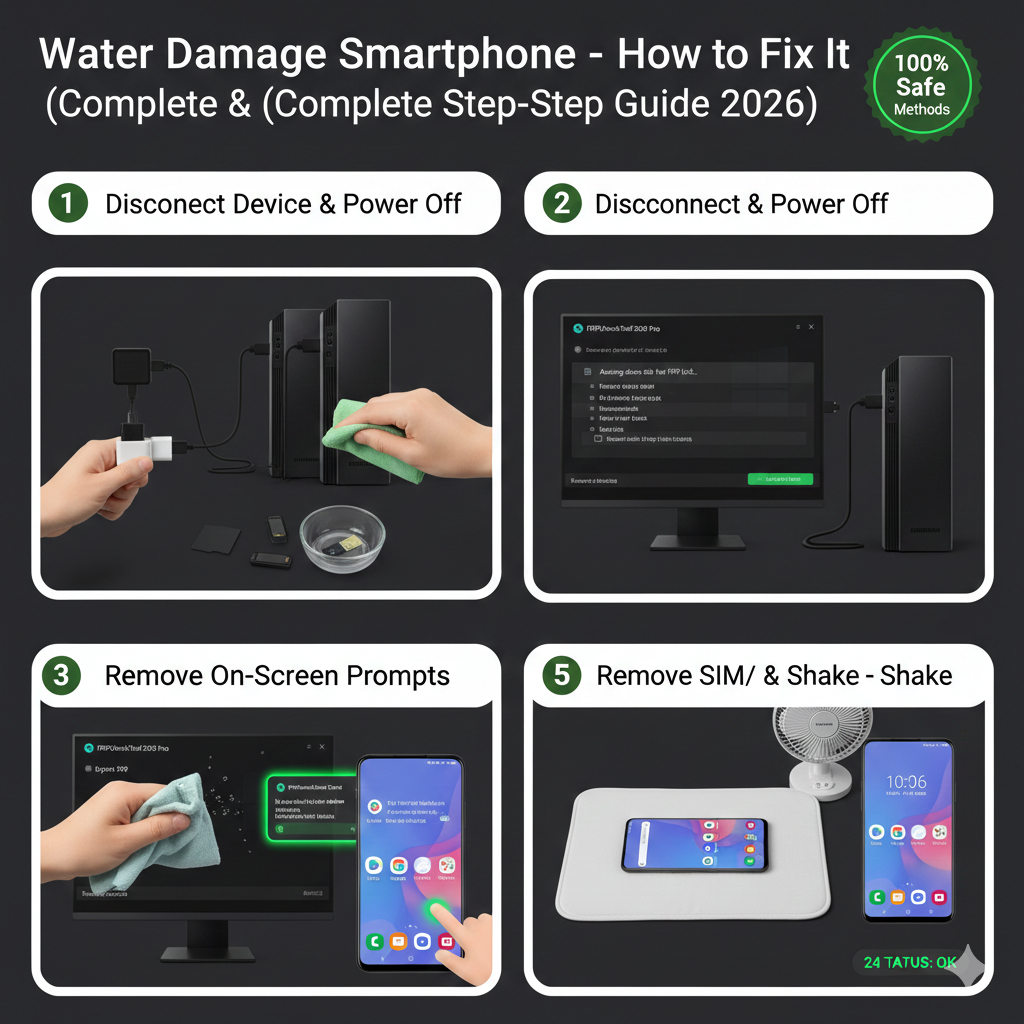
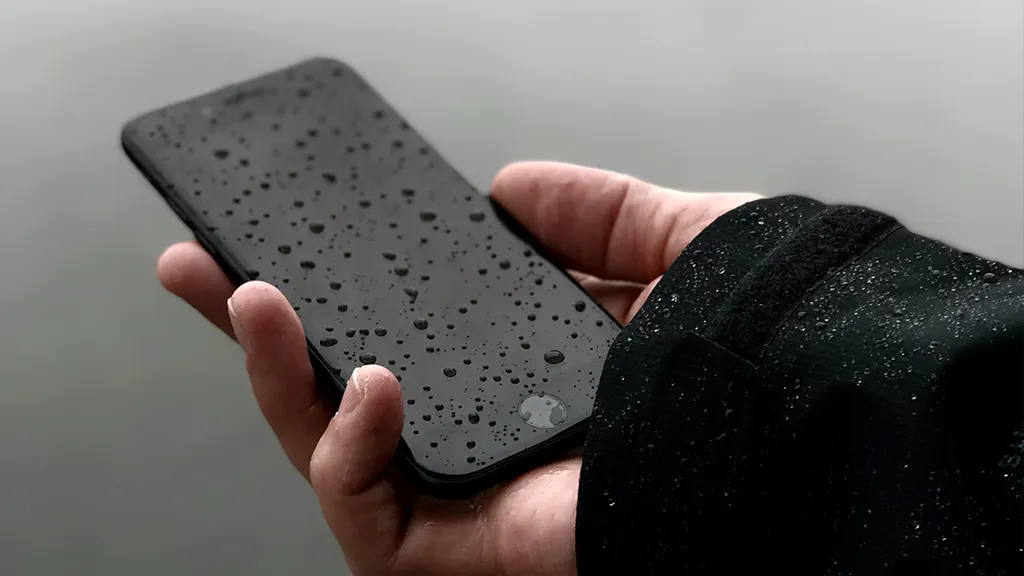
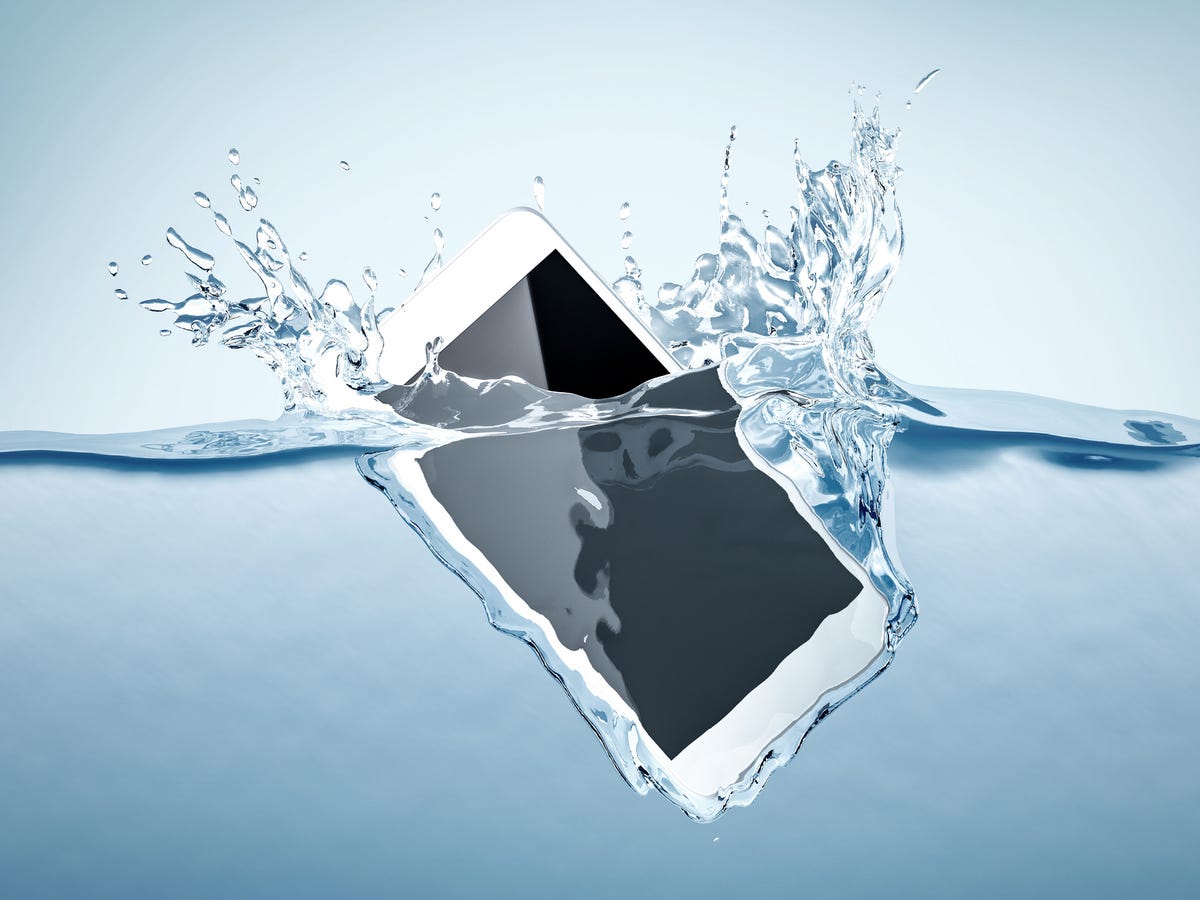
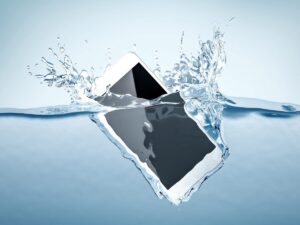
Water damage is one of the most common reasons smartphones stop working. Whether your phone fell into water, got wet in rain, or was exposed to moisture, acting quickly can save your device and prevent permanent damage.
This complete guide explains how to fix a water-damaged smartphone safely and effectively.
What Happens When a Phone Gets Water Damaged?
When water enters a smartphone, it can cause:
• Short circuits in internal components
• Battery damage
• Corrosion on the motherboard
• Screen malfunction
• Speaker and charging issues
Immediate action is critical to prevent permanent failure.
First Things to Do After Water Damage (Emergency Steps)
Follow these steps immediately after your phone gets wet.
Step 1: Turn Off the Phone Immediately
This is the most important step.
• Do NOT try to power it on
• Do NOT press buttons repeatedly
Keeping the phone on can cause a short circuit.
Step 2: Remove Accessories
Take out:
• SIM card
• Memory card
• Phone case
• Stylus (if any)
This helps air circulate and prevents internal moisture.
Step 3: Dry the Exterior
Use a clean microfiber cloth to wipe:
• Screen
• Charging port
• Speaker area
• Camera lenses
Do NOT use heat like a hair dryer.
Best Ways to Dry a Water Damaged Phone
Method 1: Air Drying (Recommended)
Place the phone in a dry, ventilated area for 24-48 hours.
This allows natural evaporation.
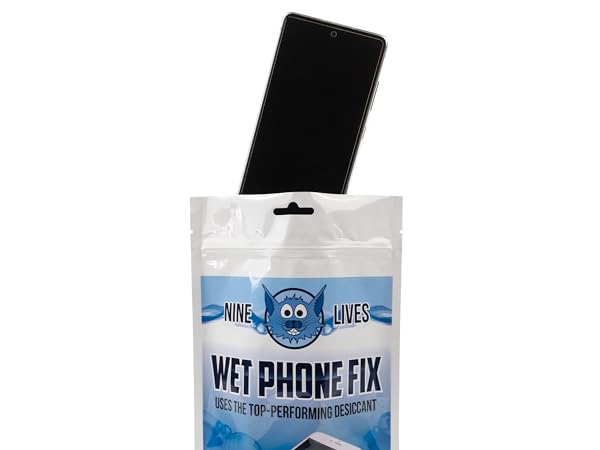
Method 2: Silica Gel Drying
Put your phone in an airtight container with silica gel packets.
This absorbs moisture quickly and safely.
Method 3: Professional Cleaning
If water entered deeply:
Visit a mobile repair technician for internal cleaning.
They use special tools to remove corrosion.
What NOT to Do After Water Damage
Avoid these common mistakes:
• Do NOT charge the phone immediately
• Do NOT use a hair dryer or heat gun
• Do NOT shake the phone
• Do NOT press buttons repeatedly
These actions can worsen internal damage.
Signs Your Phone Has Water Damage
Look for these symptoms:
• Screen flickering or black display
• No charging response
• Distorted speaker sound
• Random restarts
• Camera fogging
These indicate internal moisture issues.
Can a Water Damaged Phone Be Fully Fixed?
Yes, if action is taken quickly.
Recovery success depends on:
• Amount of water exposure
• Time before drying
• Internal corrosion level
Phones exposed for a short time have a higher chance of recovery.
How to Prevent Water Damage in Future
Follow these safety tips:
• Use waterproof phone covers
• Avoid using phone in rain
• Keep away from liquids
• Use IP-rated water-resistant phones
Prevention is always better than repair.
When to Visit a Repair Center
Seek professional help if:
• Phone doesn’t turn on after drying
• Screen shows lines or flickers
• Charging port stops working
• Speaker sound is distorted
Technicians can clean the motherboard and replace damaged parts.
Frequently Asked Questions (FAQs)
Can a wet phone work again?
Yes, many water-damaged phones can be fixed if dried quickly.
Is rice good for drying phones?
Rice can absorb moisture but silica gel works much better.
How long should I dry my phone?
At least 24-48 hours before turning it on.
Will water damage void warranty?
Usually yes, unless the device is waterproof rated.
Final Words
Water damage can seriously harm a smartphone, but quick action can save it. Turning off the device immediately, drying it properly, and avoiding heat sources are the most important steps.
If your phone still doesn’t work after drying, professional repair is the safest solution.
Meta Description
Dropped your phone in water? Learn how to fix a water damage smartphone with this complete step-by-step guide. Prevent permanent damage and recover your device safely.