
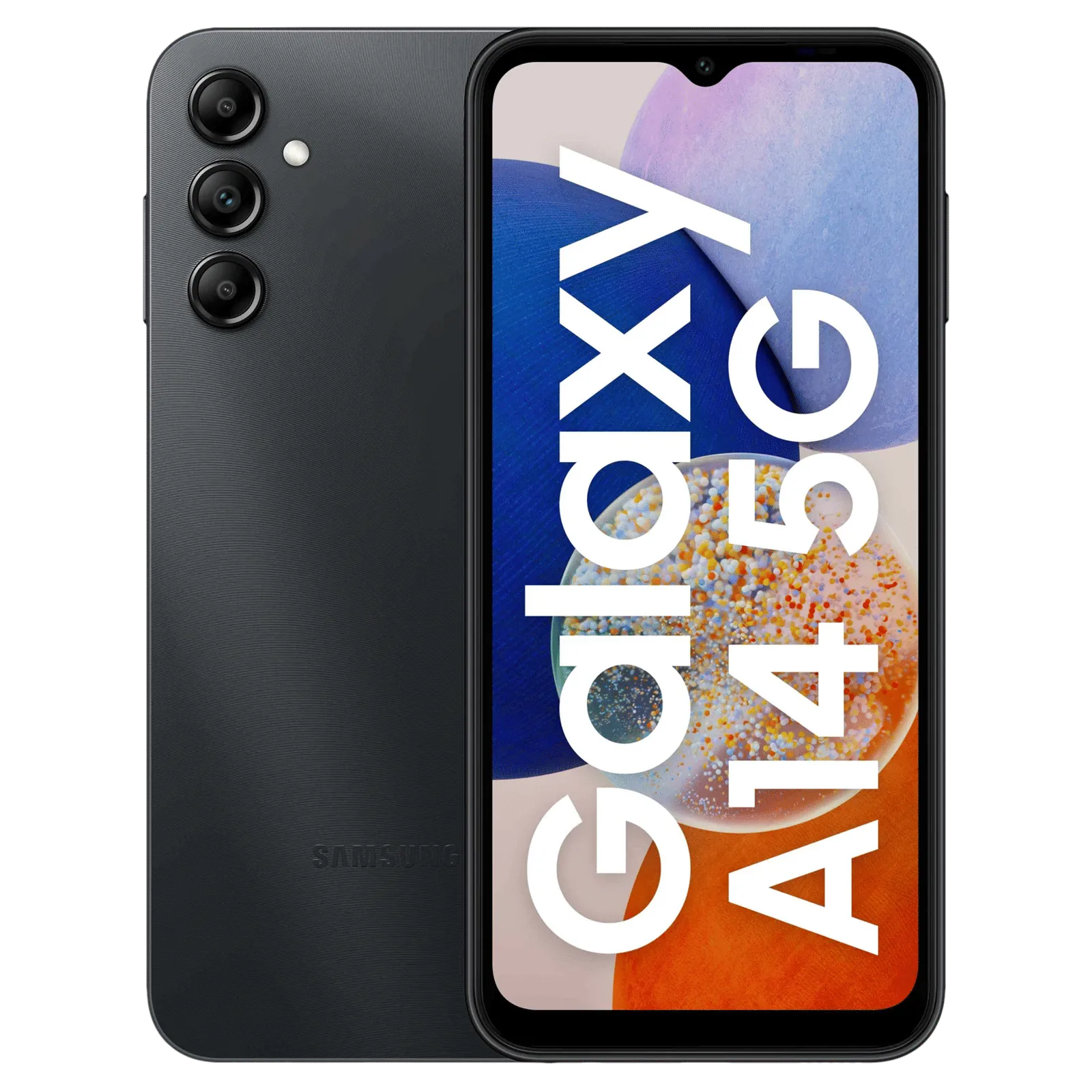
A146BXXU2CWK9
Secure high-speed verified download from Wp Bazzar servers.
Key FeaturesFile Information
File Status
Premium Access
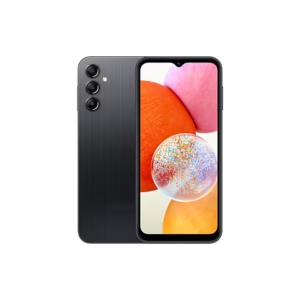
Looking for the latest Samsung Galaxy A14 5G SM-A146B_INS_A146BXXU2CWK9_U2_Android15_fac firmware? This official Android 15 firmware is released for the INS (India) region and comes with improved performance, enhanced security patch, and better system stability.
The Samsung Galaxy A14 5G is one of the most popular 5G budget smartphones. If your device is stuck on logo, facing auto restart issues, lagging, or soft bricked, flashing the latest A146BXXU2CWK9 binary U2 firmware can fix these problems easily.
📌 Firmware Information
- Device Name: Samsung Galaxy A14 5G
- Model Number: SM-A146B
- Region: INS (India)
- Build Number: A146BXXU2CWK9
- Binary Version: U2
- Android Version: Android 15
- File Type: Factory Firmware (FAC)
- Status: Official Stock ROM
🔥 Why You Should Flash This Firmware?
Flashing official stock firmware helps to:
✔ Fix boot loop problem
✔ Remove software bugs
✔ Unbrick dead phone
✔ Fix stuck on Samsung logo
✔ Upgrade to Android 15
✔ Improve battery performance
✔ Restore original firmware
This is 100% official Samsung firmware, safe for flashing using Odin Tool.
🛠 Requirements Before Flashing
Before starting the flashing process, make sure you have:
- Latest Samsung USB Drivers installed
- Odin Flash Tool
- SM-A146B INS Android 15 Firmware file
- Original USB cable
- Battery charged above 50%
📲 How To Flash SM-A146B Android 15 Firmware
Follow these simple steps carefully:
Step 1:
Install Samsung USB Drivers on your computer.
Step 2:
Extract the downloaded firmware file using WinRAR or 7zip.
Step 3:
Power off your phone and boot into Download Mode.
Step 4:
Open Odin Tool on your PC.
Step 5:
Load the firmware files:
- BL file in BL section
- AP file in AP section
- CP file in CP section
- CSC file in CSC section
Step 6:
Click on Start button and wait until PASS appears.
Once completed, your phone will reboot automatically with Android 15 installed.
⚠ Important Notes
- Always verify your model number (SM-A146B).
- Do not disconnect USB cable during flashing.
- Backup your important data before flashing.
- Flashing wrong firmware may brick your device.
📥 Final Words
The Samsung Galaxy A14 5G SM-A146B INS A146BXXU2CWK9 U2 Android 15 Factory Firmware is the perfect solution to repair software issues, update your device, or restore stock ROM.
If you need more Samsung firmware files, keep visiting our website for latest updates.





Betvisacasino? Yep, signed up and had a blast. Decent selection of games and the bonuses seem legit. Worth a shot if you’re looking for something new: betvisacasino