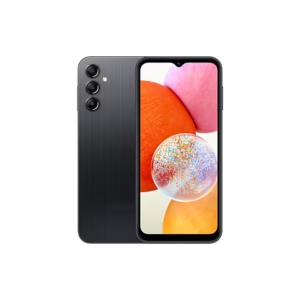
- What is FRP Lock on Samsung?
- Why FRP Lock Happens
- Important Things to Know Before Removing FRP
- Method 1: Recover Your Google Account (Recommended)
- Steps:
- Method 2: Remove FRP Using Original Owner Account
- Method 3: Use Official Samsung Support
- Method 4: Reset with Account Removal (For Future Prevention)
- Common FRP Problems & Solutions
- Forgot Gmail ID
- Recovery Not Working
- Phone Still Locked After Login
- Benefits of FRP Protection
- Risks of Unofficial FRP Bypass Methods
- Frequently Asked Questions (FAQs)
- Can FRP be removed without Google account?
- Is FRP bypass legal?
- How long does FRP removal take?
- Does flashing remove FRP?
- Final Words
- SEO Keywords
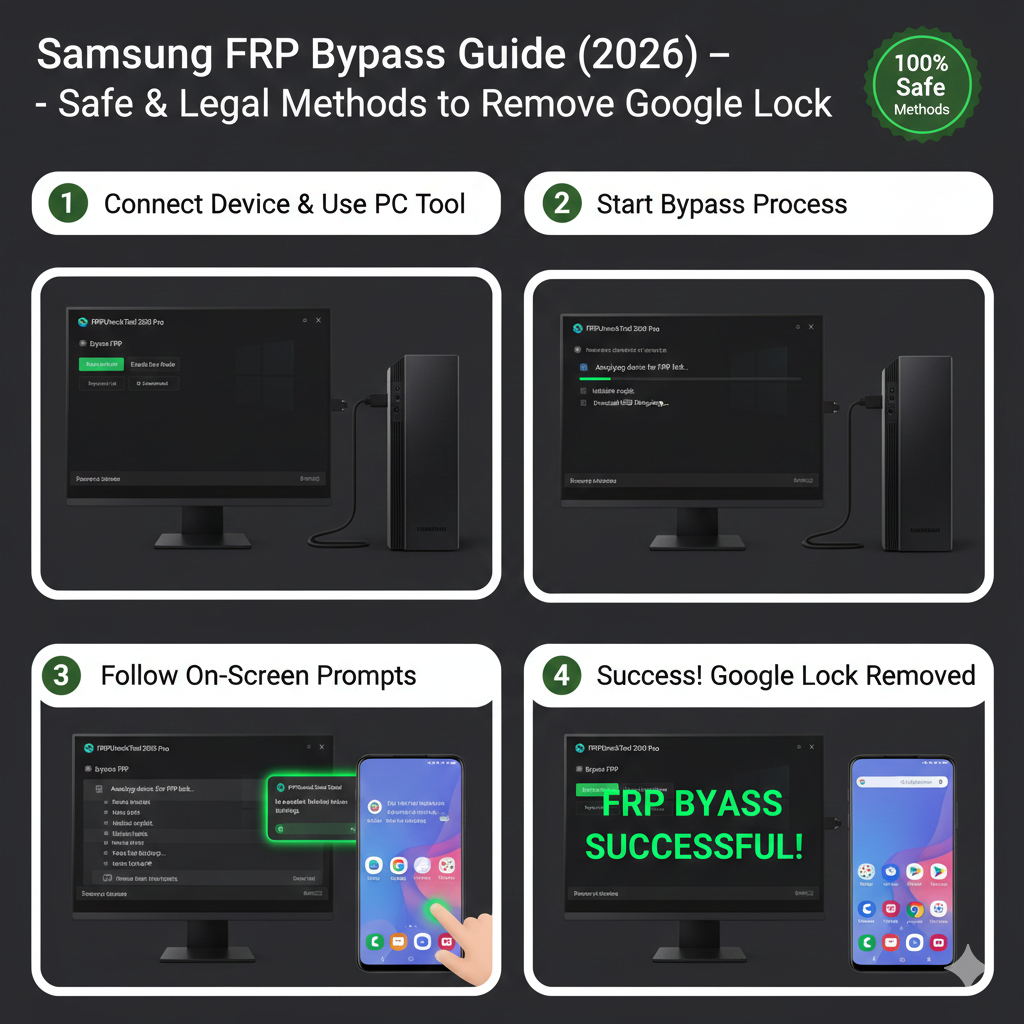
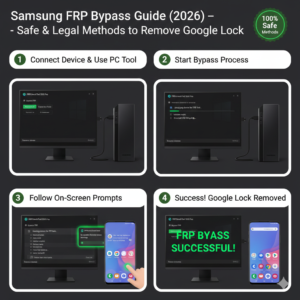
Factory Reset Protection (FRP) is a security feature on Samsung Android devices that prevents unauthorized access after a factory reset. When FRP is active, the phone asks for the previously synced Google account before allowing setup.
This guide explains safe, legal, and official ways to remove Samsung FRP lock in 2026.
What is FRP Lock on Samsung?
FRP (Factory Reset Protection) is a built-in Android security system that activates when:
• You reset the phone without removing the Google account
• The device is lost or stolen
• Factory reset is done from recovery mode
After reset, the phone requires the previous Google account login to verify ownership.
Why FRP Lock Happens
FRP usually appears due to:
• Forgotten Google account password
• Buying a second-hand Samsung phone
• Resetting phone incorrectly
• Not removing account before factory reset
Important Things to Know Before Removing FRP
Before trying to remove FRP, remember:
• FRP exists for security protection
• Only the original owner can remove it legally
• Using unauthorized methods may violate policies
• Always try official recovery options first
Method 1: Recover Your Google Account (Recommended)
This is the safest and easiest solution.
Steps:
- Go to Google Account Recovery page.
- Enter your registered Gmail address.
- Follow password reset instructions.
- Wait for recovery confirmation.
- Use the recovered account to unlock the phone.
This method keeps your device secure and avoids any risk.
Method 2: Remove FRP Using Original Owner Account
If you bought a used phone:
- Contact the previous owner.
- Ask them to sign in once on the setup screen.
- After login, remove the Google account from Settings.
FRP will be permanently removed.
Method 3: Use Official Samsung Support
If you cannot recover the account:
• Visit an authorized Samsung service center
• Carry proof of purchase and ID
• Samsung technicians can verify ownership and assist
This is the only official service method for FRP removal.
Method 4: Reset with Account Removal (For Future Prevention)
To avoid FRP before resetting:
- Open Settings → Accounts.
- Remove all Google accounts.
- Perform factory reset normally.
FRP will not activate.
Common FRP Problems & Solutions
Forgot Gmail ID
Solution: Use Google recovery options with phone number.
Recovery Not Working
Solution: Wait 24–72 hours and try again.
Phone Still Locked After Login
Solution: Ensure correct account used before reset.
Benefits of FRP Protection
• Prevents stolen phone usage
• Protects personal data
• Ensures device ownership security
• Reduces mobile theft misuse
Risks of Unofficial FRP Bypass Methods
Using unofficial tools can cause:
• Permanent phone damage
• Malware or data theft
• Legal issues
• Software instability
Always choose safe and official solutions.
Frequently Asked Questions (FAQs)
Can FRP be removed without Google account?
No. Verification is required for security.
Is FRP bypass legal?
Only when done by the rightful owner using official methods.
How long does FRP removal take?
Usually a few minutes after account verification.
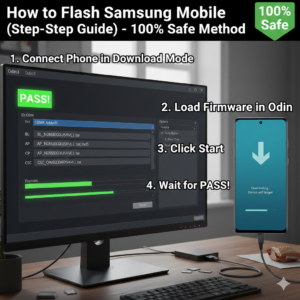
Does flashing remove FRP?
No, FRP remains until account verification is completed.
Final Words
Samsung FRP lock is an important security feature designed to protect your device from unauthorized access. The safest way to remove FRP in 2026 is by recovering your Google account, contacting the previous owner, or visiting an official Samsung service center.
Avoid unofficial bypass methods to keep your phone secure and safe.
SEO Keywords
samsung frp bypass 2026
remove google lock samsung
how to unlock frp samsung
samsung frp removal guide
factory reset protection samsung
google account verification fix