
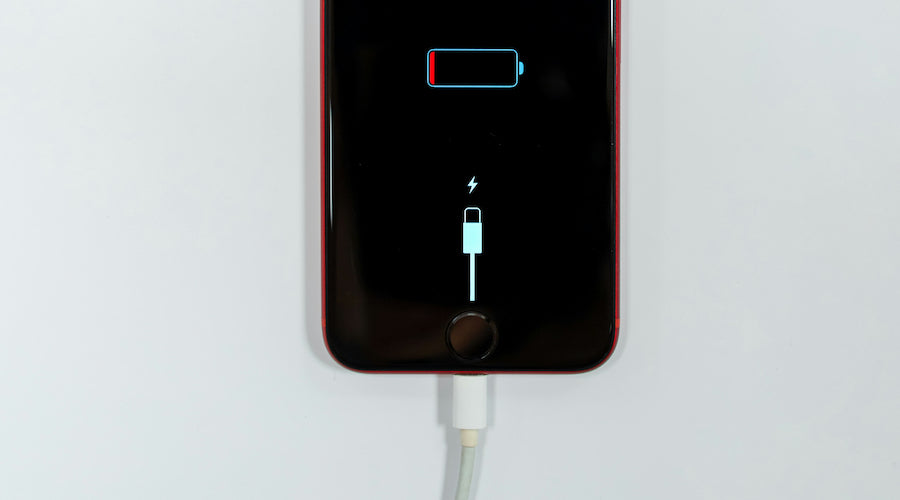
- Why Your Phone Is Not Charging
- Quick Checks Before Starting
- Fix 1: Check Charging Cable and Adapter
- What to Do:
- Fix 2: Clean the Charging Port
- Steps:
- Fix 3: Restart or Force Restart the Phone
- How to Fix:
- Fix 4: Check for Software Issues
- Try These:
- Fix 5: Check Battery Health
- Signs of Battery Damage:
- Fix 6: Try Wireless Charging (If Supported)
- Fix 7: Reset the Phone (Last Option)
- When to Visit a Repair Center
- How to Prevent Charging Problems
- Frequently Asked Questions (FAQs)
- Why is my phone charging very slowly?
- Can water damage stop charging?
- How long should a phone take to charge?
- Is it safe to use the phone while charging?
- Final Words
- SEO Keywords
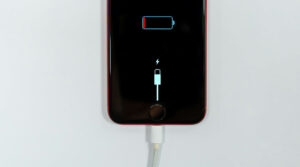
A phone not charging is one of the most common problems smartphone users face. It can happen due to a faulty cable, dirty charging port, battery issues, or software glitches.
In this complete guide, you will learn simple and effective ways to fix a phone that is not charging.
Why Your Phone Is Not Charging
Before fixing the problem, it’s important to know the possible causes.
Common reasons include:
• Damaged charging cable
• Faulty adapter
• Dust in charging port
• Battery health issues
• Software bugs
• Charging IC damage
Quick Checks Before Starting
Try these simple steps first:
• Restart your phone
• Try a different charging cable
• Use another power socket
• Check charging icon appears
If the phone still doesn’t charge, follow the solutions below.
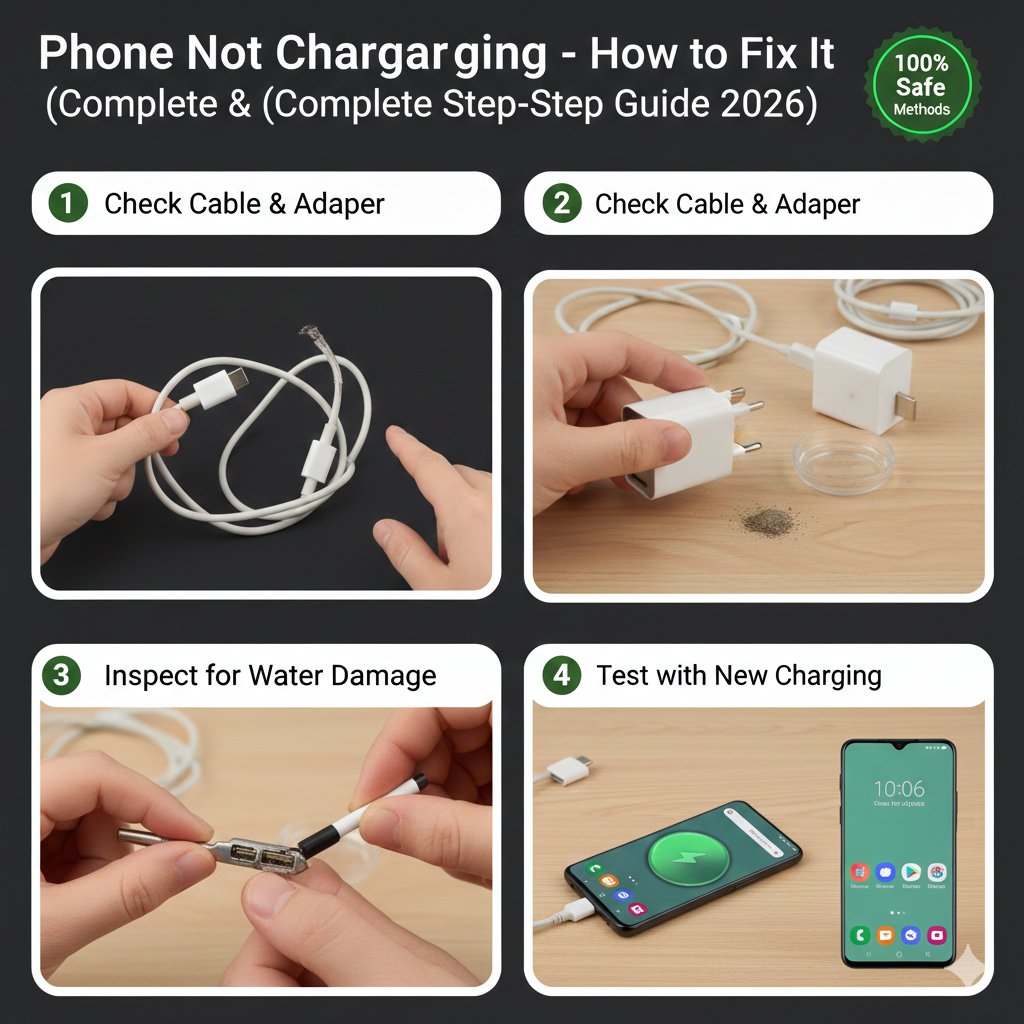
Fix 1: Check Charging Cable and Adapter
Most charging problems happen due to faulty accessories.
What to Do:
• Try a new original charger
• Avoid cheap duplicate cables
• Check for bent or broken pins
If your phone starts charging, the problem was the cable.
Fix 2: Clean the Charging Port
Dust and dirt inside the port can block charging.
Steps:
- Turn off your phone.
- Use a wooden toothpick or soft brush.
- Gently remove dust from the port.
- Do NOT use metal objects.
Cleaning often fixes charging problems instantly.
Fix 3: Restart or Force Restart the Phone
Sometimes software bugs stop charging detection.
How to Fix:
• Press and hold Power button for restart
• Use Force Restart if phone is frozen
After restarting, plug in the charger again.
Fix 4: Check for Software Issues
Software glitches can prevent charging.
Try These:
• Update your phone software
• Reset charging settings
• Boot into safe mode
If charging works in safe mode, an app may be causing the issue.
Fix 5: Check Battery Health
Old or damaged batteries may stop charging.
Signs of Battery Damage:
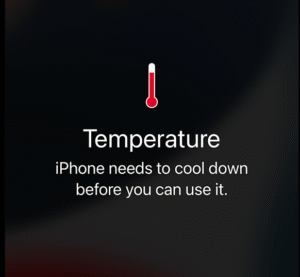
• Phone heats while charging
• Battery drains quickly
• Phone shuts down randomly
In this case, battery replacement is needed.
Fix 6: Try Wireless Charging (If Supported)
If wired charging fails but wireless works:
It means the charging port may be damaged.
You should visit a repair technician.
Fix 7: Reset the Phone (Last Option)
If none of the above solutions work:
Perform a factory reset after backing up data.
This removes deep software errors.
When to Visit a Repair Center
Seek professional help if:
• Phone doesn’t charge at all
• Charging port is loose
• Phone charges only at certain angles
• Device overheats during charging
Technicians may need to repair the charging IC or port.
How to Prevent Charging Problems
Follow these tips to avoid future issues:
• Always use original chargers
• Avoid overcharging overnight
• Keep charging port clean
• Do not use phone while charging
Frequently Asked Questions (FAQs)
Why is my phone charging very slowly?
This may happen due to a weak adapter or background apps.
Can water damage stop charging?
Yes, moisture can damage the charging port.
How long should a phone take to charge?
Most smartphones charge fully in 1 to 2 hours.
Is it safe to use the phone while charging?
It’s not recommended as it can heat the battery.
Final Words
A phone not charging problem is usually easy to fix with simple troubleshooting steps like checking the cable, cleaning the charging port, or restarting the device. However, if the issue is hardware-related, professional repair may be necessary.
Taking proper care of your charging accessories and battery can prevent most charging issues.
SEO Keywords
phone not charging fix
how to fix charging problem phone
phone charging port cleaning guide
android phone not charging solution
slow charging problem fix
smartphone battery charging issues









Anyone using the bet777app? How’s the interface? Easy to use? Lay it on me, I need the details!