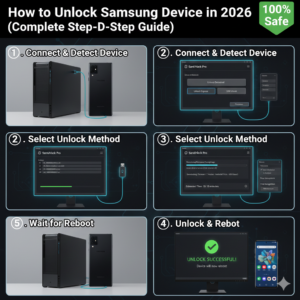
- What Does Unlocking a Samsung Device Mean?
- Important Things to Know Before Unlocking
- Method 1: Unlock Using Samsung Find My Mobile (Best & Safe)
- Requirements:
- Steps to Unlock:
- Method 2: Unlock Using Google Find My Device
- Steps:
- Method 3: Unlock Using Recovery Mode (Factory Reset)
- Steps to Reset:
- Method 4: Remove FRP Lock (After Reset)
- Common Unlocking Problems & Fixes
- Phone Still Asking for Old Account
- Unlock Option Not Showing
- Recovery Mode Not Opening
- Benefits of Unlocking Samsung Device
- Risks of Unlocking
- Frequently Asked Questions (FAQs)
- Can I unlock Samsung without losing data?
- Is unlocking Samsung device legal?
- How long does unlocking take?
- Can FRP lock be removed without account?
- Final Words
- SEO Keywords
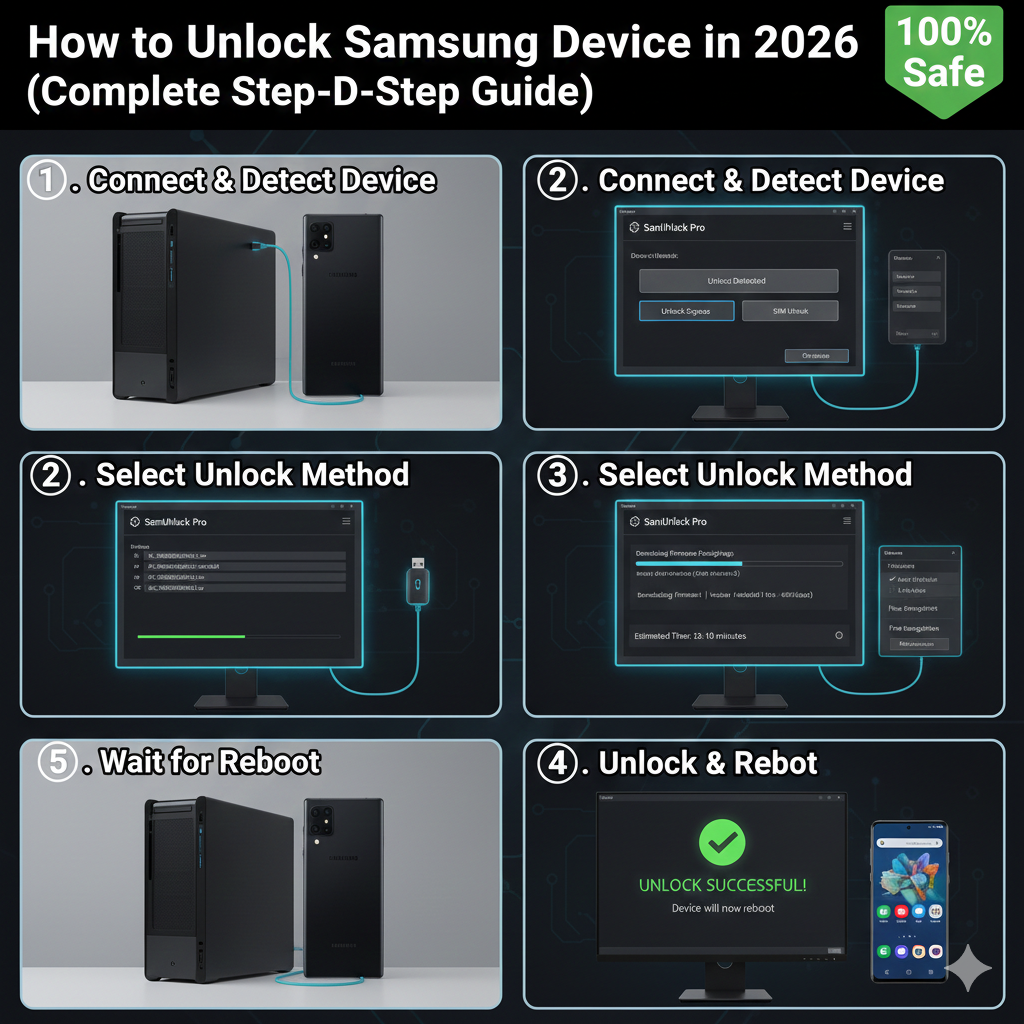
Unlocking a Samsung device means removing the screen lock, forgotten password, pattern lock, or FRP (Google account lock) so you can access your phone again. Many users face lock issues after forgetting passwords, buying second-hand phones, or resetting their devices.
This complete guide explains safe and legal methods to unlock Samsung phones in 2026 using official solutions.
What Does Unlocking a Samsung Device Mean?
Samsung unlocking refers to removing:
• Pattern lock
• PIN or password lock
• Fingerprint lock issues
• Samsung account lock
• Google FRP lock after reset
Unlocking restores full access to your device.
Important Things to Know Before Unlocking
Before you start, remember:
• Unlocking may erase your data
• Always use official methods first
• Keep your phone charged above 50%
• Use original Samsung account details if possible
Method 1: Unlock Using Samsung Find My Mobile (Best & Safe)
This is the safest and easiest way to unlock Samsung devices.
Requirements:
• Samsung account logged into phone
• Internet connection enabled
Steps to Unlock:
- Visit Samsung Find My Mobile website.
- Login using your Samsung account.
- Select your locked device.
- Click Unlock option.
- Confirm your account password.
Your phone will unlock instantly without losing data.
Method 2: Unlock Using Google Find My Device
This method works if you have a Google account linked.
Steps:
- Go to Google Find My Device.
- Login with your Google account.
- Select your Samsung phone.
- Choose Erase Device.
- Confirm reset.
After reset, the lock will be removed.
Note: This will erase all data.
Method 3: Unlock Using Recovery Mode (Factory Reset)
Use this method if you forgot your password.
Steps to Reset:
- Turn OFF your phone.
- Press and hold:
Volume Up + Power button - Enter Recovery Mode.
- Select Wipe Data / Factory Reset.
- Confirm reset.
Your phone will restart unlocked.
Warning: All data will be deleted.
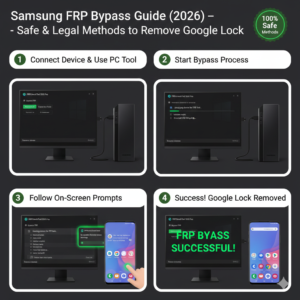
Method 4: Remove FRP Lock (After Reset)
If your phone asks for a previous Google account after reset, it means FRP lock is active.
To unlock:
• Enter the original Google account details
OR
• Use official Samsung service center support.
This is required for security reasons.
Common Unlocking Problems & Fixes
Phone Still Asking for Old Account
Fix: Enter correct Google or Samsung account.
Unlock Option Not Showing
Fix: Ensure phone is connected to the internet.
Recovery Mode Not Opening
Fix: Try button combination again correctly.
Benefits of Unlocking Samsung Device
• Regain full access to phone
• Remove forgotten password
• Fix lock screen errors
• Prepare phone for resale
• Solve security lock issues
Risks of Unlocking
Unlocking using unofficial tools may cause:
• Data loss
• Security risks
• Software damage
Always use official methods.
Frequently Asked Questions (FAQs)
Can I unlock Samsung without losing data?
Yes, using Samsung Find My Mobile.
Is unlocking Samsung device legal?
Yes, if it is your own device.
How long does unlocking take?
Usually 5 to 10 minutes.
Can FRP lock be removed without account?
No, original account verification is required for security.
Final Words
Unlocking a Samsung device in 2026 is simple when you follow official methods like Samsung Find My Mobile, Google Find My Device, or Recovery Mode reset. Always try the safe methods first to avoid data loss and security issues.
If you cannot unlock your phone, contacting Samsung support is the safest solution.
SEO Keywords
how to unlock samsung device
samsung pattern lock removal
unlock samsung phone 2026
remove samsung FRP lock
samsung forgot password fix
samsung screen lock removal guide