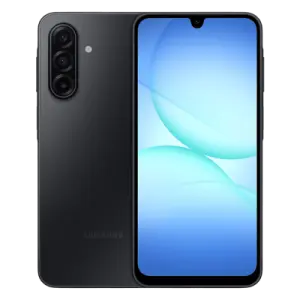
A146BXXUBDYL1
Secure high-speed verified download from Wp Bazzar servers.
Key FeaturesFile Information
File Status
Premium Access
How to Flash a Samsung Phone (Quick Guide)
Flashing a Samsung phone can fix software issues such as bootloop, stuck logo, or system errors. Samsung devices are commonly flashed using Odin Flash Tool.
First, install Samsung USB Drivers on your computer. Then download the correct firmware for your Samsung model and extract the file on your PC. Power off the phone and enter Download Mode by pressing Volume Up + Volume Down while connecting the device to the computer with a USB cable.
Open Odin Flash Tool on your computer. When the phone connects, the tool will show a blue COM port. Load the firmware files into their sections: BL, AP, CP, and CSC.
Click Start to begin the flashing process. Wait until the tool shows PASS, and the device will reboot automatically. After restart, the phone will run the installed firmware.